
 UK
UK




About TSB statements
TSB split from Lloyds in 2013 and is now owned by Sabadell, but it kept the traditional high-street branch model. For a high-street account like this, the statement is a normal monthly PDF you pull from Internet Banking or the app, under Statements.
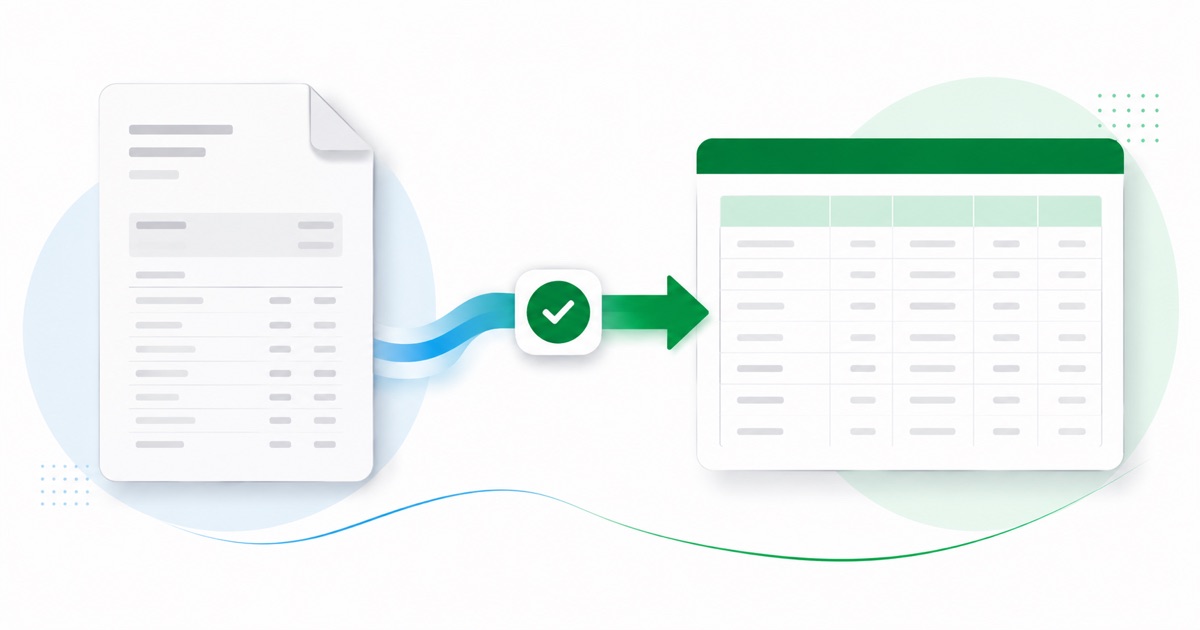
The part a copy-paste can't handle is the layout. On a TSB statement a long retailer name often wraps onto a second line, with a payment-type label sitting inside the description. The converter reads all of that into its own columns instead of losing it.
Dates come through as DD/MM/YYYY and the figures stay in GBP (pounds), so the converted file matches what you'd expect locally. If your only copy is a scan or a phone photo, that's fine — OCR handles it, and the totals still get reconciled.
You end up with a file Xero accepts on the first try, with the PDF-wrangling taken care of before it gets there.
Why people convert TSB to Xero
Bank feeds in Xero can also duplicate or mis-code lines from an account like TSB, and unpicking that is slower than a clean import. Converting the PDF gives you a tidy statement file you can bring in and reconcile against, feed or no feed.
The common case is a bookkeeper handed a folder of TSB PDFs and told to "get these into Xero." Converting each one is far quicker than retyping, and the balance check means you trust the totals before they land in the books.
Import a TSB statement into Xero
Xero takes the CSV through its own Import a Statement screen.
- Convert the PDF above and download the Xero CSV.
- In Xero: Accounting → Bank accounts.
- Open the account, then Manage account → Import a statement.
- Upload the CSV — the date, description and amount columns line up.
- Reconcile the imported lines as usual.
The totals are checked first
The converter checks the maths before handing you the file — so if a transaction dropped out of the PDF, you know about it now, not when the Xero balance is off.
Frequently asked questions
Does the CSV go straight into Xero?
Yes — the CSV goes in through Xero's Import a Statement screen and the date, description and amount columns line up, so you go straight to reconciling. If Xero asks you to confirm the column mapping the first time, save it and later imports remember the layout.
How is a TSB statement laid out?
On a TSB statement a long retailer name often wraps onto a second line, with a payment-type label sitting inside the description. The converter reads each of those into its own column, so the Xero-ready CSV imports into Xero cleanly.
Where do I download the TSB statement?
From Internet Banking or the app, under Statements. Save the PDF, then drop it into the converter above — multi-page and multi-month statements are read in one go.
Can I use a photo of my TSB statement?
Yes. Scanned or photographed PDFs are read with OCR into the same columns, and the balance check still runs, so a scan converts the same as a digital download.
What does it cost to start?
Converting is free to start. Excel, CSV and JSON download with no login; the Xero file is included with every paid plan, starting with Starter.