
 US
US




About U.S. Bank statements
U.S. Bank is one of the larger regional banks in the country, centred on the Midwest and West. You grab the statement PDF from online banking, under Statements — same as you would for any branch-based account.
The part a copy-paste can't handle is the layout. U.S. Bank sections the statement into Deposits, Other Withdrawals, Card Withdrawals and Checks Presented, with a daily balance summary rather than a per-line balance. The converter reads all of that into its own columns instead of losing it.
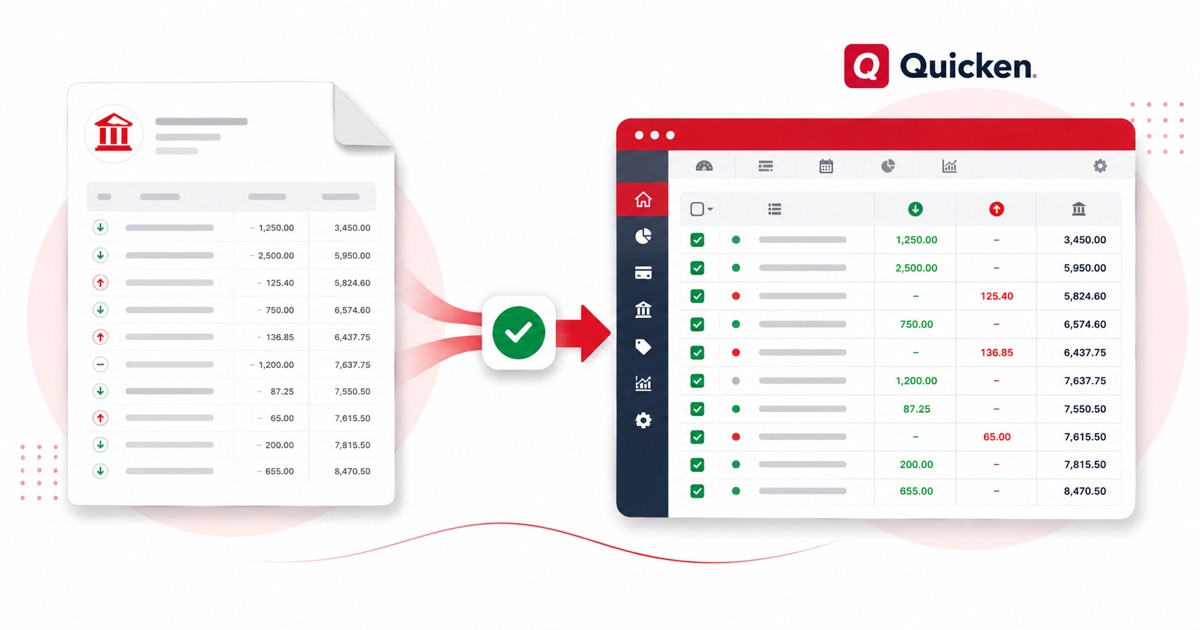
You keep USD (US dollars) amounts and MM/DD/YYYY dates end to end, so nothing needs re-checking after the import. Scanned or photographed PDFs work too: OCR reads them into the same columns, and the running balance is checked before anything downloads.
From there it's a normal Quicken import: the heavy lifting of reading the PDF is already done.
Why people convert U.S. Bank to Quicken
If you're rebuilding history in Quicken — an old U.S. Bank account, or a period the download skipped — converting the PDF gives you an OFX you can import directly, rather than typing the register out.
It also saves the back-and-forth at year end. Instead of asking a client for a CSV their U.S. Bank login may not even offer, you take the PDF they already have and convert it, so the numbers in Quicken match the statement line for line.
Import a U.S. Bank statement into Quicken
Quicken reads OFX (preferred) or QIF.
- Convert the PDF above and download OFX (preferred) or QIF.
- In Quicken: File → Import → Web Connect File for OFX, or File → Import → QIF File for QIF.
- Choose the account to import into.
- Review the register and accept the new transactions.
The totals are checked first
The totals are checked before you download. If a row is missing, the statement gets flagged right here — so a gap shows up before it reaches Quicken or your client, not after.
Frequently asked questions
What's the best file for Quicken?
Yes — download OFX (best) or QIF and import it under File → Import. OFX carries a unique id per line, so re-importing the same file won't create duplicates.
What's on a U.S. Bank statement?
U.S. Bank sections the statement into Deposits, Other Withdrawals, Card Withdrawals and Checks Presented, with a daily balance summary rather than a per-line balance. The converter reads each of those into its own column, so the OFX file imports into Quicken cleanly.
Where do I download the U.S. Bank statement?
From online banking, under Statements. Save the PDF, then drop it into the converter above — multi-page and multi-month statements are read in one go.
Can I use a photo of my U.S. Bank statement?
Yes. Scanned or photographed PDFs are read with OCR into the same columns, and the balance check still runs, so a scan converts the same as a digital download.
Do I have to pay up front?
Converting is free to start. Excel, CSV and JSON download with no login; the Quicken file is included with every paid plan, starting with Starter.