
 AU
AU




About CommBank statements
CommBank (Commonwealth Bank) is the largest of Australia's big four banks. You grab the statement PDF from NetBank or the CommBank app, under Statements — same as you would for any branch-based account.
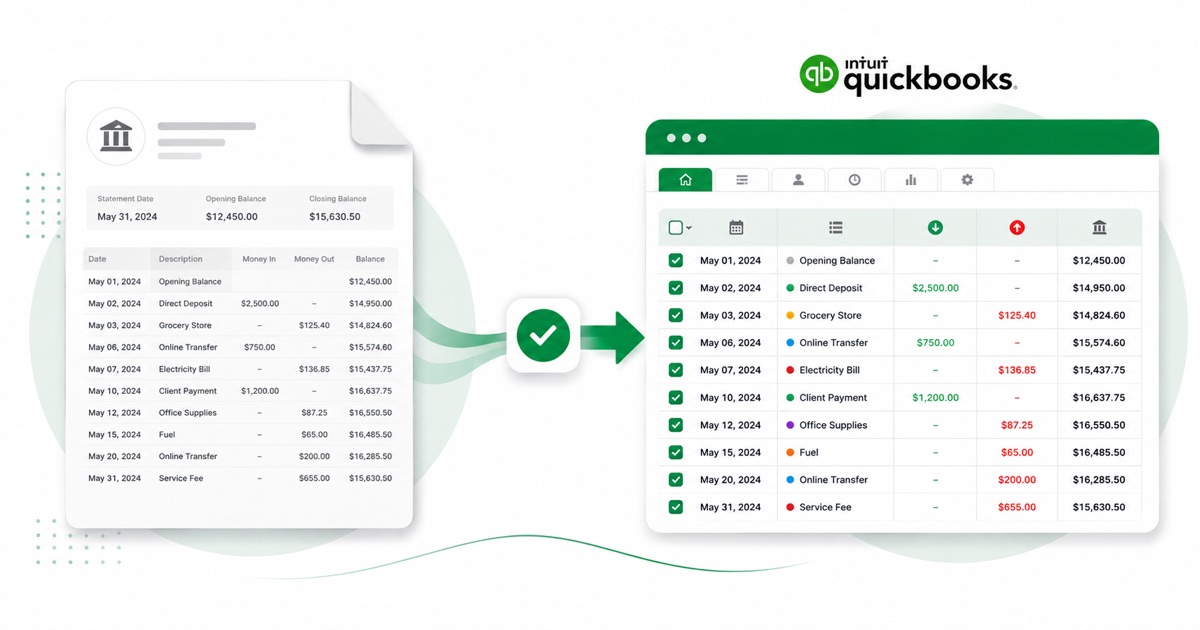
The part a copy-paste can't handle is the layout. CommBank's NetBank statement uses Date, Transaction, Debit, Credit and Balance, with EFTPOS, BPAY and direct-debit detail that often wraps onto a second line. The converter reads all of that into its own columns instead of losing it.
You keep AUD (Australian dollars) amounts and DD/MM/YYYY dates end to end, so nothing needs re-checking after the import. Scanned or photographed PDFs work too: OCR reads them into the same columns, and the running balance is checked before anything downloads.
After that you're just reconciling in QuickBooks; the awkward part of getting the data out of the PDF is handled.
Why people convert CommBank to QuickBooks
When you're cleaning up QuickBooks or taking on a new client, there are usually CommBank months with no feed behind them. A converted file fills those in under Upload from file, instead of keying each transaction.
It also saves the back-and-forth at year end. Instead of asking a client for a CSV their CommBank login may not even offer, you take the PDF they already have and convert it, so the numbers in QuickBooks match the statement line for line.
Import a CommBank statement into QuickBooks
QuickBooks Online takes a CSV; QuickBooks Desktop takes a .qbo Web Connect file.
- Convert the PDF above. For QuickBooks Online download the QuickBooks CSV; for Desktop download the QBO.
- QuickBooks Online: Banking → Bank transactions → Link account → Upload from file.
- Pick the CSV, map Date / Description / Amount, choose the account, and import.
- QuickBooks Desktop: File → Utilities → Import → Web Connect Files, then select the .qbo.
One honest caveat
The QBO file carries a placeholder bank id, so QuickBooks Desktop can reject it with an OL-301 error ("not a participating financial institution") until you set your own bank's id. For a reliable import, use the QuickBooks CSV in QuickBooks Online instead — we don't claim the QBO will import everywhere.
The totals are checked first
The totals are checked before you download. If a row is missing, the statement gets flagged right here — so a gap shows up before it reaches QuickBooks or your client, not after.
Frequently asked questions
How does the CommBank export get into QuickBooks?
In QuickBooks Online the CSV imports cleanly under Banking → Upload from file. The Desktop QBO can hit an OL-301 error ("not a participating financial institution") until you set your own bank's id — so for Online, stick with the CSV.
What does a CommBank statement look like?
CommBank's NetBank statement uses Date, Transaction, Debit, Credit and Balance, with EFTPOS, BPAY and direct-debit detail that often wraps onto a second line. The converter reads each of those into its own column, so the QuickBooks-ready file imports into QuickBooks cleanly.
Where do I download the CommBank statement?
From NetBank or the CommBank app, under Statements. Save the PDF, then drop it into the converter above — multi-page and multi-month statements are read in one go.
Can I use a photo of my CommBank statement?
Yes. Scanned or photographed PDFs are read with OCR into the same columns, and the balance check still runs, so a scan converts the same as a digital download.
What does it cost to start?
Converting is free to start. Excel, CSV and JSON download with no login; the QuickBooks file is included with every paid plan, starting with Starter.