
 NZ
NZ




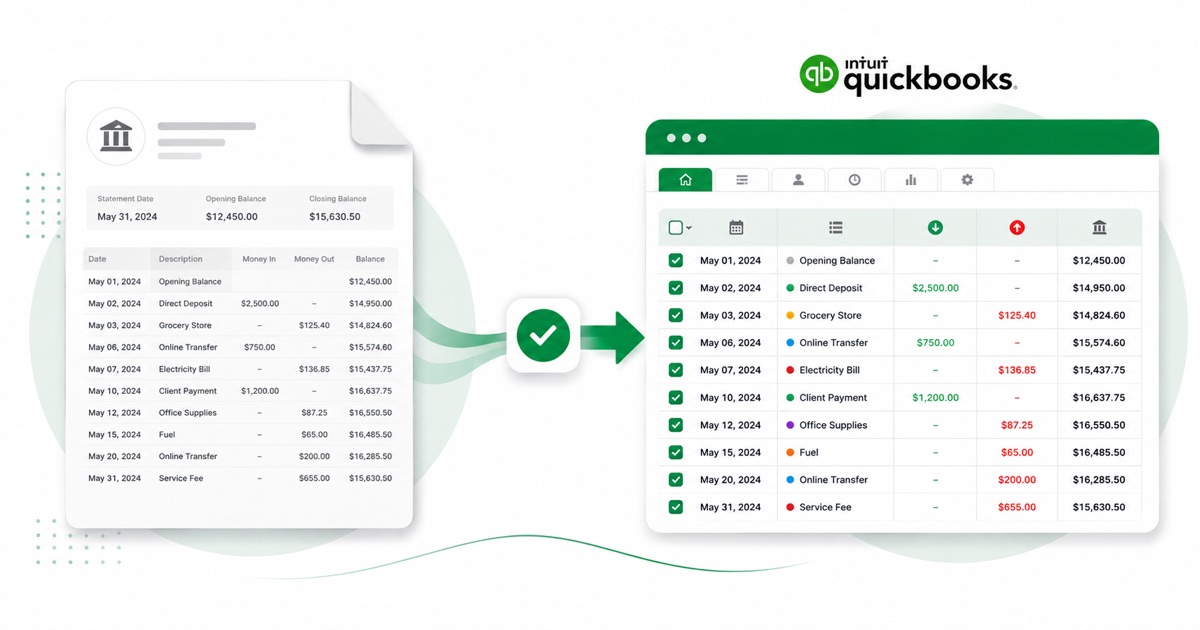
About Westpac NZ statements
Westpac New Zealand is one of NZ's big four banks and uses the Westpac One online banking service. For a high-street account like this, the statement is a normal monthly PDF you pull from Westpac One internet banking or the app, under Statements.
The part a copy-paste can't handle is the layout. A Westpac One statement often bundles several accounts into one PDF, each keeping its own NZD balance and payment detail. The converter reads all of that into its own columns instead of losing it.
Dates come through as DD/MM/YYYY and the figures stay in NZD (New Zealand dollars), so the converted file matches what you'd expect locally. If your only copy is a scan or a phone photo, that's fine — OCR handles it, and the totals still get reconciled.
Once it's in QuickBooks, you reconcile the lines like any other import — the conversion just saves you the typing.
Why people convert Westpac NZ to QuickBooks
A Westpac NZ feed into QuickBooks can lag by a few days or stop mid-month, leaving a gap right when you're trying to close. Converting the statement PDF hands you the exact period as an upload file, so the close isn't held up by the feed.
The common case is a bookkeeper handed a folder of Westpac NZ PDFs and told to "get these into QuickBooks." Converting each one is far quicker than retyping, and the balance check means you trust the totals before they land in the books.
Import a Westpac NZ statement into QuickBooks
QuickBooks Online takes a CSV; QuickBooks Desktop takes a .qbo Web Connect file.
- Convert the PDF above. For QuickBooks Online download the QuickBooks CSV; for Desktop download the QBO.
- QuickBooks Online: Banking → Bank transactions → Link account → Upload from file.
- Pick the CSV, map Date / Description / Amount, choose the account, and import.
- QuickBooks Desktop: File → Utilities → Import → Web Connect Files, then select the .qbo.
One honest caveat
The QBO file carries a placeholder bank id, so QuickBooks Desktop can reject it with an OL-301 error ("not a participating financial institution") until you set your own bank's id. For a reliable import, use the QuickBooks CSV in QuickBooks Online instead — we don't claim the QBO will import everywhere.
The totals are checked first
The converter checks the maths before handing you the file — so if a transaction dropped out of the PDF, you know about it now, not when the QuickBooks balance is off.
Frequently asked questions
How does the Westpac NZ export get into QuickBooks?
In QuickBooks Online the CSV imports cleanly under Banking → Upload from file. The Desktop QBO can hit an OL-301 error ("not a participating financial institution") until you set your own bank's id — so for Online, stick with the CSV.
How is a Westpac NZ statement laid out?
A Westpac One statement often bundles several accounts into one PDF, each keeping its own NZD balance and payment detail. The converter reads each of those into its own column, so the QuickBooks-ready file imports into QuickBooks cleanly.
Where do I download the Westpac NZ statement?
From Westpac One internet banking or the app, under Statements. Save the PDF, then drop it into the converter above — multi-page and multi-month statements are read in one go.
Does it work on a scanned Westpac NZ statement?
Yes. Scanned or photographed PDFs are read with OCR into the same columns, and the balance check still runs, so a scan converts the same as a digital download.
Is it free?
Converting is free to start. Excel, CSV and JSON download with no login; the QuickBooks file is included with every paid plan, starting with Starter.