
 UK
UK




About Monzo statements
Monzo is an app-only bank with no branches, so the PDF statement comes out of the phone app rather than a website. Everything runs through the phone, so the statement is the PDF you export from the app, under Account → Statements.
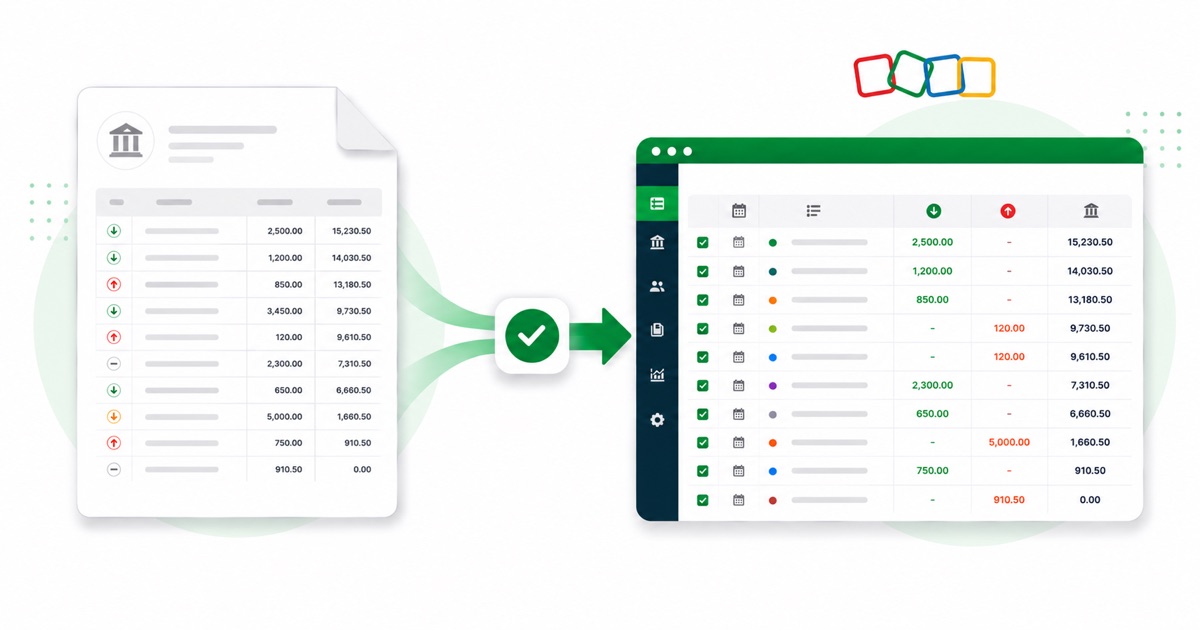
Monzo's PDF comes straight from the app with tidy merchant names and spending categories, and money moved into a Pot shows as a transfer. That's exactly the detail that gets scrambled when you paste a PDF into a spreadsheet, and exactly what the converter preserves, column by column.
The figures stay in GBP (pounds) and dates read DD/MM/YYYY, the same as on the original statement. Even a photographed page converts — OCR pulls the columns out, and the reconciliation check runs regardless of how the PDF was made.
From there it's a normal Zoho Books import: the heavy lifting of reading the PDF is already done.
Why people convert Monzo to Zoho Books
Zoho Books reconciles from imported statements, and a Monzo feed isn't always available or current. Converting the PDF to a clean CSV gives Zoho exactly what its Import Statement screen wants, for any month you need.
For anyone reconciling Monzo against Zoho Books after the fact, the value is in not retyping. You keep the original PDF as your source, convert it, and reconcile the imported lines — the figures stay tied back to the statement.
Import a Monzo statement into Zoho Books
Zoho Books imports a CSV — there's no separate Zoho file, so you use the clean CSV.
- Convert the PDF above and download the CSV.
- In Zoho Books: Banking → pick the account → Import Statement.
- Upload the CSV and map Date / Description / Amount.
- Import, then categorise the lines.
The totals are checked first
Every file is reconciled first: opening balance plus money in, minus money out, should land on the closing balance. If it doesn't, you see it here instead of finding out inside Zoho Books.
Frequently asked questions
What file does Zoho Books take?
No special file — Zoho Books imports a plain CSV, so you use the clean CSV from here. Go to Banking → your account → Import Statement, then map Date, Description and Amount. There's a preview before it commits, so you can check the columns matched before the lines post.
What's on a Monzo statement?
Monzo's PDF comes straight from the app with tidy merchant names and spending categories, and money moved into a Pot shows as a transfer. The converter reads each of those into its own column, so the Zoho-ready CSV imports into Zoho Books cleanly.
Where do I get the Monzo statement PDF?
From the app, under Account → Statements. Export the actual statement PDF rather than screenshotting the transaction list — the PDF has the dates, amounts and balance the converter reads.
Can I use a photo of my Monzo statement?
Yes. Scanned or photographed PDFs are read with OCR into the same columns, and the balance check still runs, so a scan converts the same as a digital download.
Is it free?
Yes — the CSV downloads with no login and no charge to start.