
 IN
IN




About HDFC statements
HDFC Bank is India's largest private-sector bank, and its e-statement arrives as a password-protected PDF. You grab the statement PDF from HDFC NetBanking, where the e-statement downloads as a password-protected PDF — same as you would for any branch-based account.
The part a copy-paste can't handle is the layout. An HDFC statement is dominated by UPI entries — long payee-and-reference strings — with a Chq/Ref No column, and it arrives password-protected. The converter reads all of that into its own columns instead of losing it.
Amounts are in INR (rupees) and the dates run DD/MM/YYYY. Since the PDF is password-locked, you enter the password once and it's handled in your browser before anything is converted. Scanned or photographed copies work too — they're read with OCR — and the running balance is checked either way before you download.
From there it's a normal Tally import: the heavy lifting of reading the PDF is already done.
Why people convert HDFC to Tally
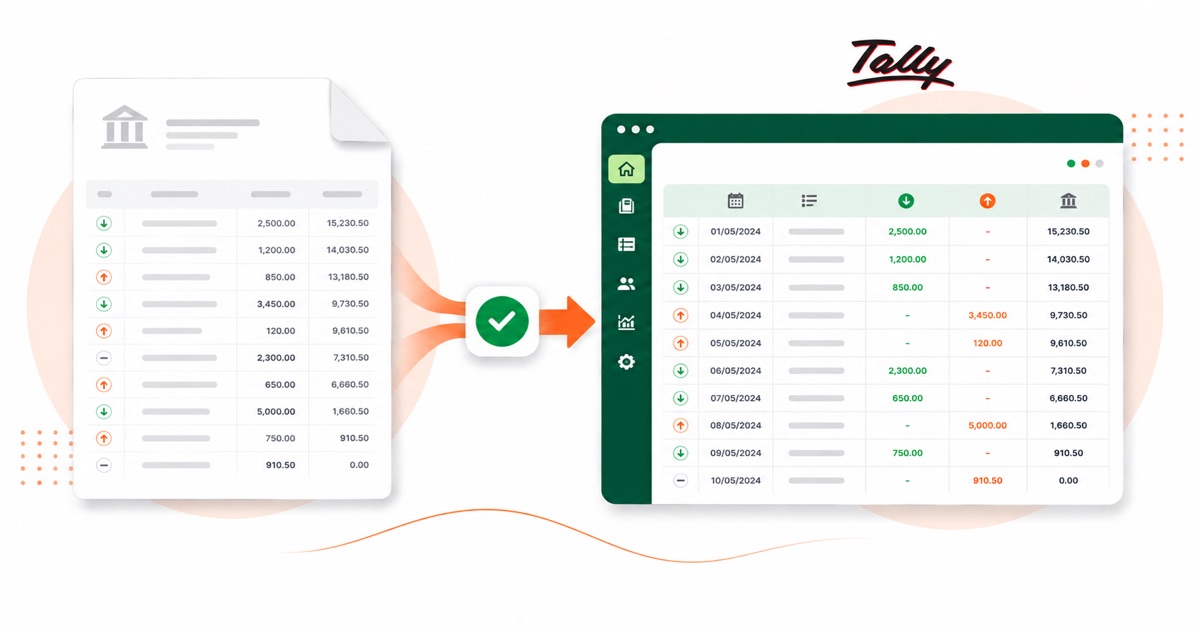
For Indian businesses on Tally, a HDFC statement usually means a stack of vouchers to enter. Converting it loads them as balanced Receipt and Payment vouchers in a single import, so you only deal with the ledger mapping.
It also saves the back-and-forth at year end. Instead of asking a client for a CSV their HDFC login may not even offer, you take the PDF they already have and convert it, so the numbers in Tally match the statement line for line.
Import a HDFC statement into Tally
Tally Prime imports the XML as Receipt and Payment vouchers.
- Convert the PDF above and download the Tally XML.
- In Tally Prime: Gateway of Tally → Import Data → Vouchers.
- Select the XML file.
- Map the bank and counter ledger when asked — they must exist in your company.
One honest caveat
The file uses placeholder ledger names (your bank ledger and a "Suspense" counter). Those ledgers must exist in your Tally company, or be mapped on import, for it to post cleanly. The vouchers are valid, balanced double entries; the ledger choices are yours.
The totals are checked first
The totals are checked before you download. If a row is missing, the statement gets flagged right here — so a gap shows up before it reaches Tally or your client, not after.
Frequently asked questions
Does the XML load straight into Tally Prime?
Yes — it imports as Receipt and Payment vouchers under Gateway of Tally → Import Data → Vouchers. You map the bank and counter ledger on import, and those ledgers need to already exist in your company.
How is a HDFC statement laid out?
An HDFC statement is dominated by UPI entries — long payee-and-reference strings — with a Chq/Ref No column, and it arrives password-protected. The converter reads each of those into its own column, so the Tally XML imports into Tally cleanly.
How many months can I convert at once?
Whatever you download in one PDF from HDFC NetBanking, where the e-statement downloads as a password-protected PDF. A multi-month e-statement converts in a single pass, and the balance is checked across the whole file.
My HDFC PDF is password-protected — does that work?
Yes. You enter the password once and it's opened in your browser — the file isn't uploaded anywhere to be opened. After that it converts like any other statement.
Do I have to pay up front?
Converting is free to start. Excel, CSV and JSON download with no login; the Tally file is included with every paid plan, starting with Starter.